 Hindsight
Weekly Review and exports
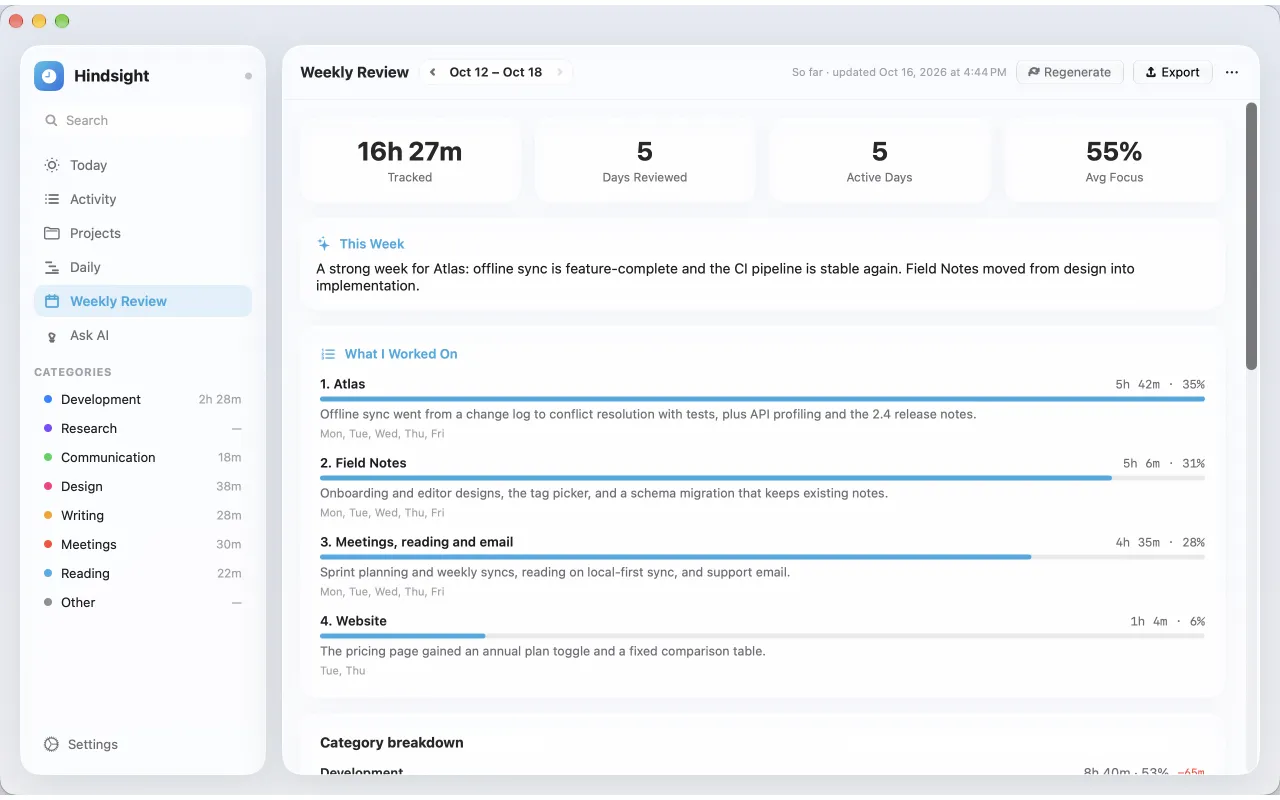
Weekly Review groups the week's work into pieces of work with their totals. Export it for a client, a timesheet or your own records.
Generate the review
- Open Weekly Review.
- Click Generate Weekly Review. The review for the current week is rewritten as the week goes on; use Regenerate to refresh it.
- To have it written for you, turn on Write each week automatically in the review's options.
The review shows What I Worked On, Standout Wins, Top Distractions, a category breakdown and the time tracked each day.
Export the week
From the Export menu on Weekly Review:
- PDF…: the review, ready to send to a client or attach to a timesheet.
- Activities (CSV)…: every activity of the week with its start, end, minutes and project.
- Markdown: the review as a text file.
Reviews you saved earlier export too, without regenerating them.
Export any dates
Use Export Activities… in Activity, or Export Data… in Settings → General, to export activities as CSV or JSON for any date range.
Still stuck? Email [email protected] and we will help.